Learn about assistive technologies that help viewers with visual impairments better enjoy their viewing experiences.
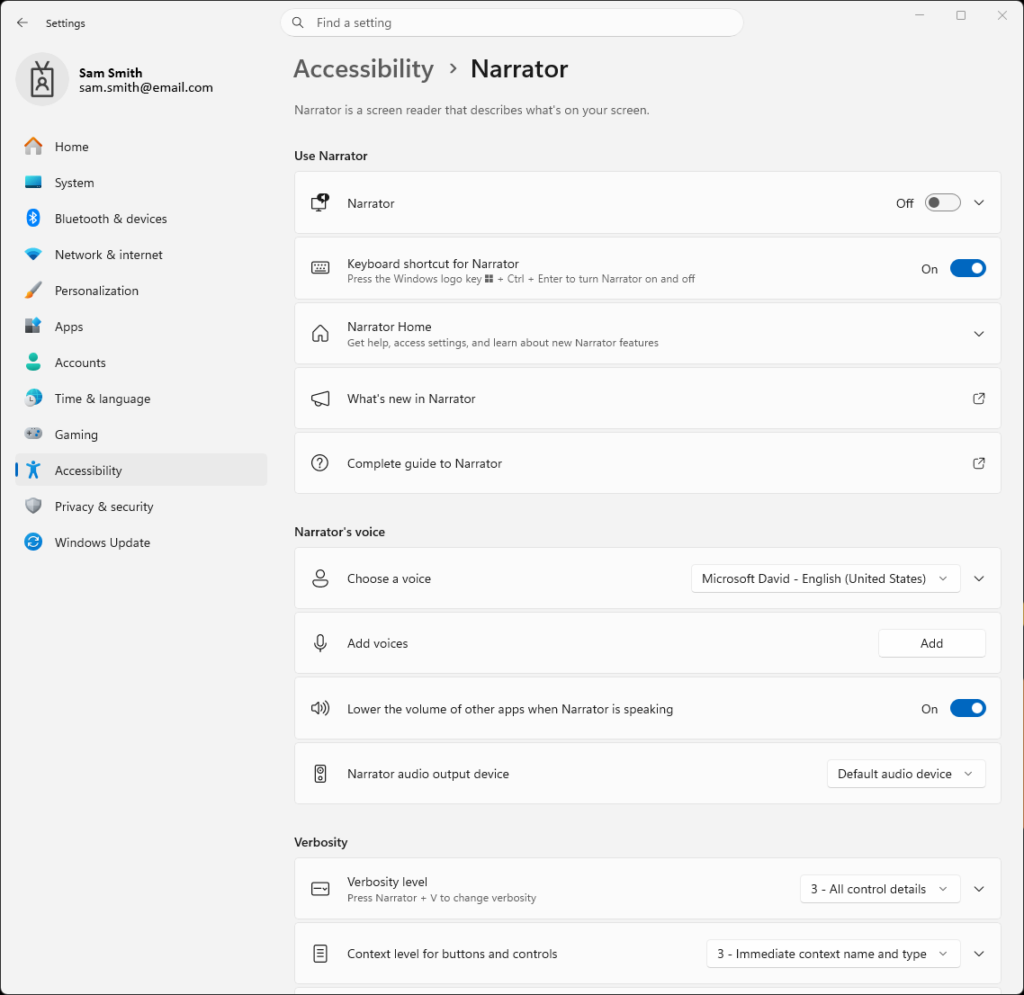
To access Microsoft Narrator Settings in Windows 11
1. Right click Windows Icon in the taskbar.
2. Select Settings from the pop-up menu.
3. Select Accessibility in the left menu of the Settings app.
4. Select Narrator in the Vision section of the Accessibility menu.
5. Enable the Narrator option to on using the toggle button.
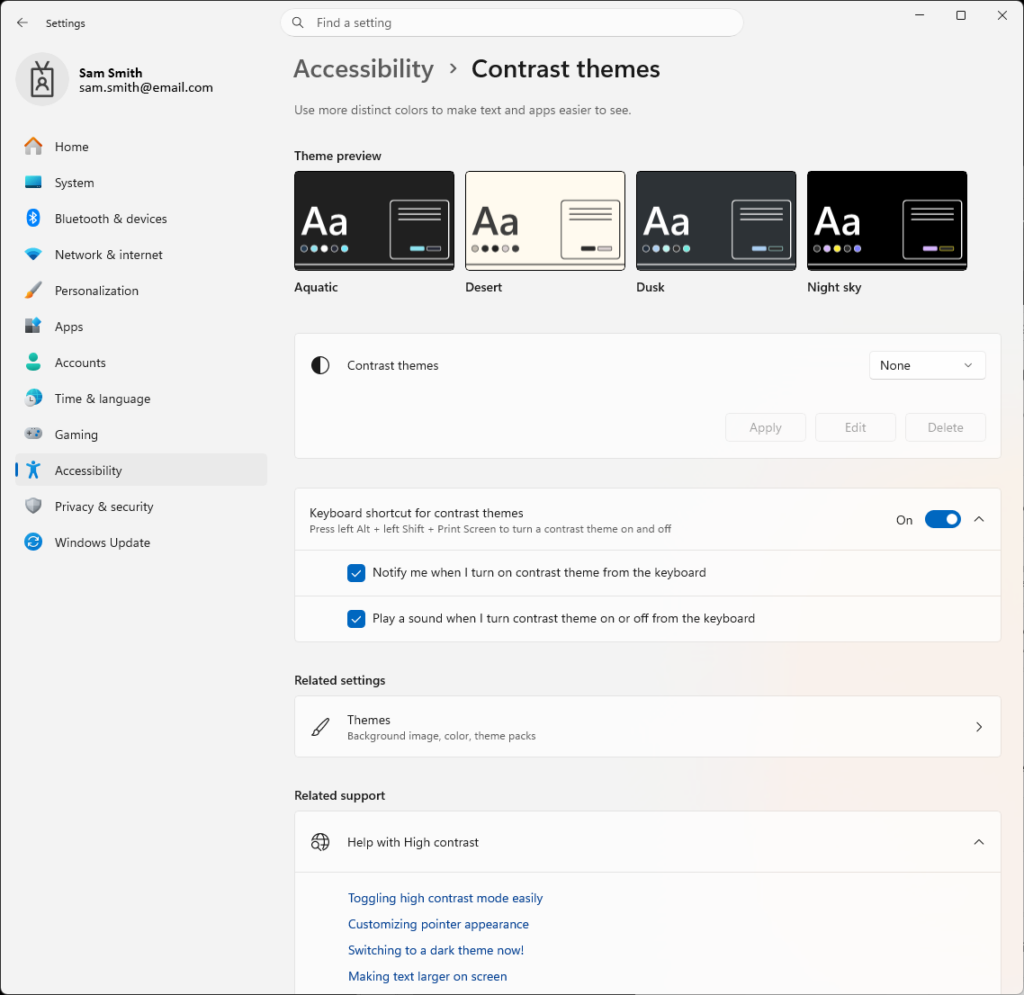
To access Microsoft Contrast Themes Settings in Windows 11
1. Right click Windows Icon in the taskbar.
2. Select Settings from the pop-up menu.
3. Select Accessibility in the left menu of the Settings app.
4. Select Contrast themes in the Vision section of the Accessibility menu.
5. Select a theme using the Contrast themes drop down menu, then select Apply.
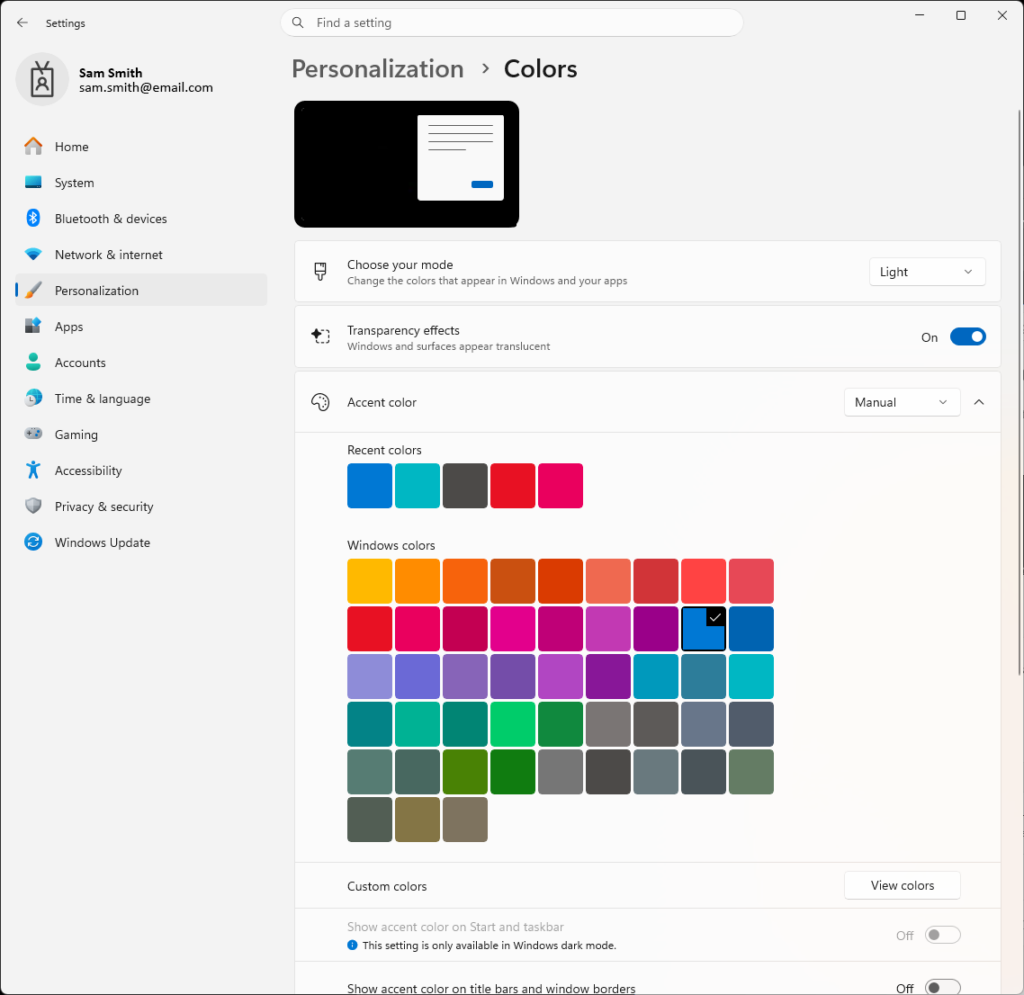
To access Microsoft Light & Dark Mode Settings in Windows 11
1. Right click Windows Icon in the taskbar.
2. Select Settings from the pop-up menu.
3. Select Personalization in the left menu of the Settings app.
4. Select Colors from the Personalization menu.
5. Select Light or Dark from the Choose your mode drop down menu.